
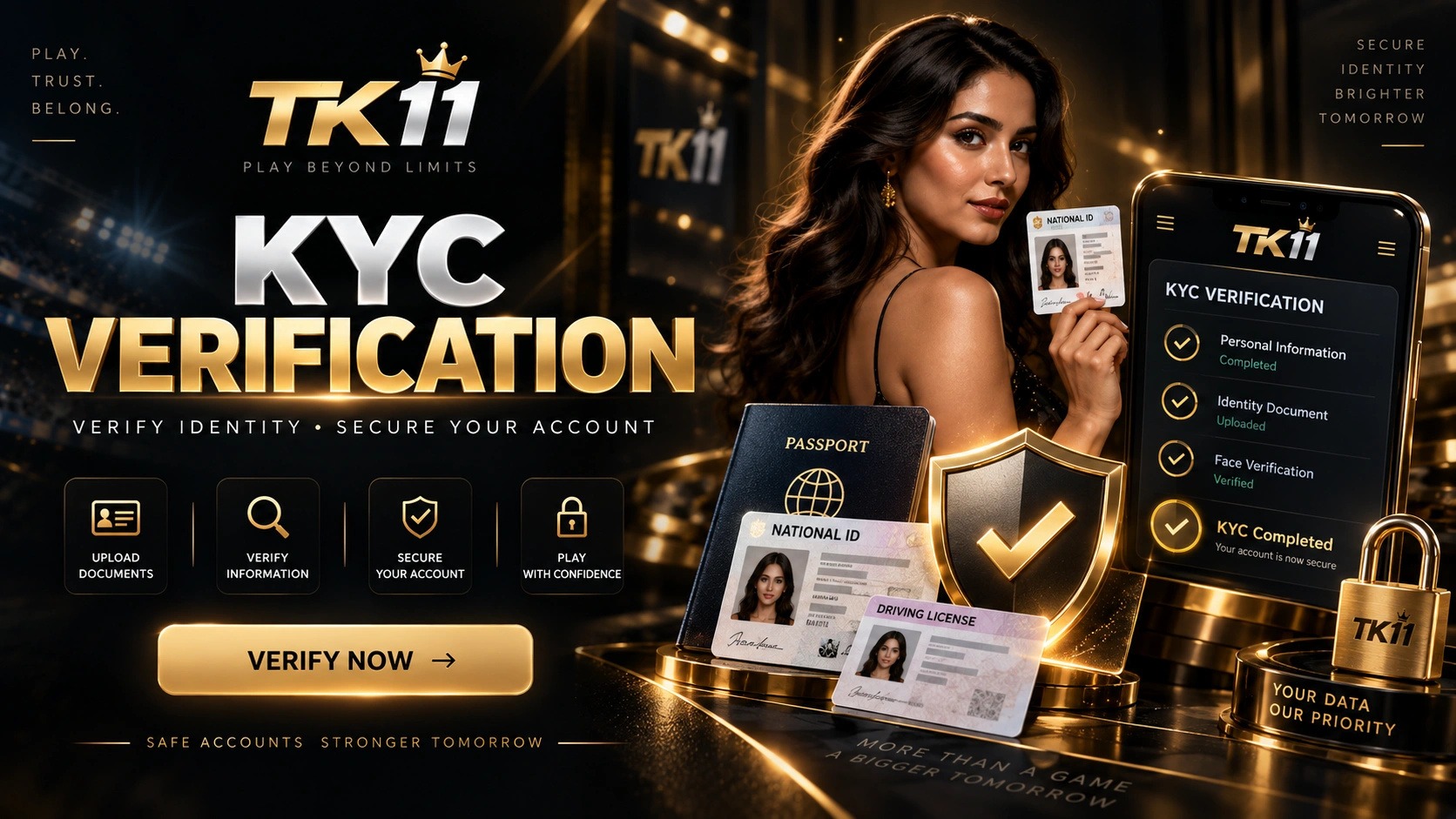
This guide explains the TK11 KYC verification process, document checks, privacy and common problems.
Why Verification May Be Required
- To confirm account ownership.
- To review identity-related information.
- To support payment or withdrawal checks.
- To identify conflicting profile details.
Before You Start
Review the profile name and basic account information. Submit only the information requested by the current verification page.
Verification Steps
- Sign in to the account.
- Open Profile, KYC or Verification.
- Complete the requested fields accurately.
- If a document is required, upload a clear and readable image.
- Check names, dates and other details before submitting.
- Monitor the account for a status update.
Document Upload Tips
Avoid blur, glare and cropping. Keep document edges visible and do not upload an expired or unrelated file.
Common Problems
Name mismatches, unclear images, repeated submissions or payment details that do not match the profile can slow a review.
Privacy and Security
Never include passwords, OTPs, wallet PINs or recovery codes in verification documents or support messages.