
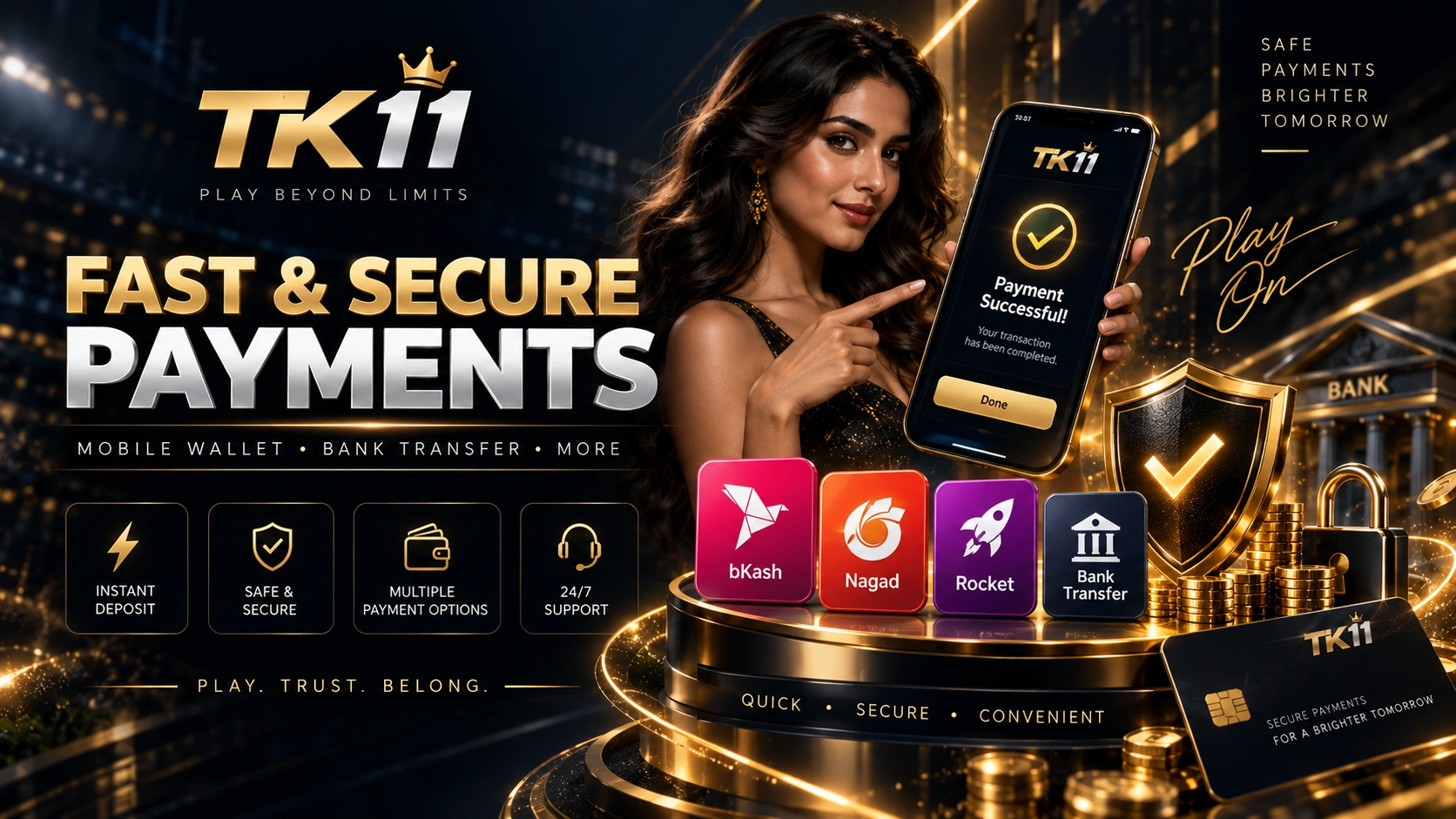
This guide explains how local payment options such as bKash, Nagad, Rocket and bank transfer may appear in TK11 accounts and what to check before a transaction.
How Payment Methods Work
Select a method that is currently displayed in the account and follow the live on-screen instructions. Availability, limits, fees or processing conditions can change, so do not rely on old screenshots.
bKash, Nagad and Rocket
When one of these methods is available, verify the receiver details, amount and reference requirement before sending a payment. Save the transaction ID until the account status is updated.
Bank Transfer
If bank transfer is available, check the bank name, account details and reference instructions. Processing conditions may differ from mobile-wallet methods.
Before a Deposit
- Confirm the method is currently available.
- Review any visible minimum or maximum amount.
- Check receiver details and reference instructions.
- Review whether verification is required.
Before a Withdrawal
Confirm the payout method, account name and KYC status. Avoid duplicate requests while another one is pending.
Payment Safety
Never share a password, OTP or wallet PIN. Use only the payment instructions shown in the current TK11 account or official support information.